
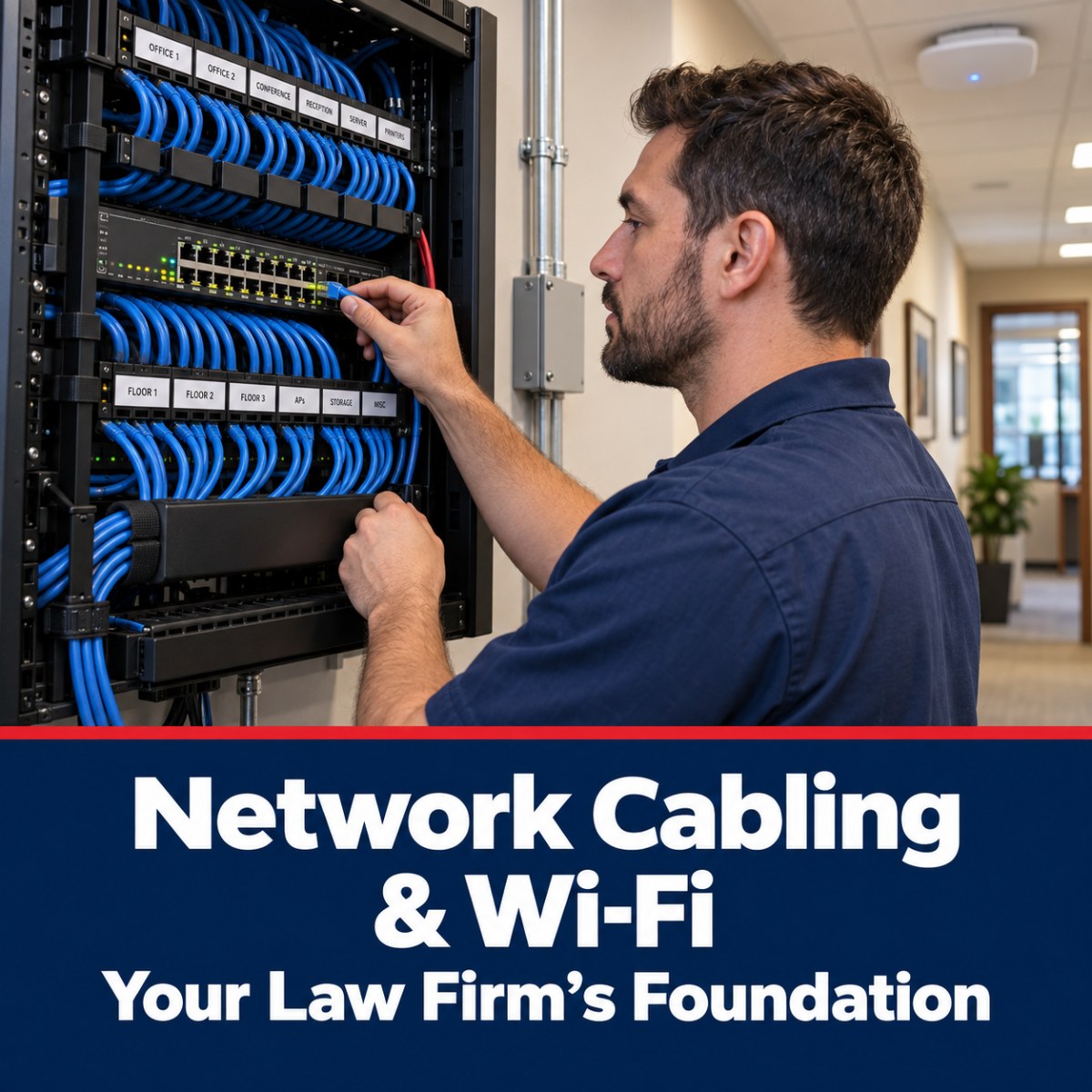
Conversations about law firm security tend to focus on software — firewalls, backups, email filtering. The physical network underneath all of it gets far less attention, even though a poorly wired office or an unsecured Wi-Fi network can undermine every software protection sitting on top of it.
Why the Physical Layer Still Matters
Every piece of security software a firm runs depends on a stable, correctly configured network underneath it. Aging or improperly run cabling causes intermittent connection drops that look like software problems but aren't — and Wi-Fi networks configured once at move-in and never revisited often have far weaker security settings than anyone realizes.
These problems tend to surface as everyday annoyances — a dropped call, a slow file transfer — rather than as obvious security incidents, which is exactly why they go unaddressed for years.
Guest Wi-Fi Deserves More Attention Than It Gets
Many law offices offer Wi-Fi to clients in a waiting area, opposing counsel during a mediation, or a court reporter on-site for a deposition. If that guest access sits on the same network as case management systems and file servers, a single compromised guest device becomes a potential path into firm data. A properly segmented guest network keeps visitor traffic completely separate from the systems that actually matter.
Structured Cabling Is a Reliability Issue, Not Just an Aesthetic One
Properly run, labeled structured cabling does more than look tidy in a server closet. It reduces the odds of intermittent failures, makes troubleshooting fast when something does go wrong, and avoids the kind of tangled, undocumented wiring that turns a five-minute fix into a half-day investigation. Firms that have grown by adding equipment over the years, without ever revisiting the underlying cabling, often carry this risk without knowing it.
A Basic Health Check Worth Running
- Is guest Wi-Fi fully separated from the network that holds case files?
- When was the office Wi-Fi's security settings last reviewed — not just the password changed?
- Is the office's cabling labeled and documented, or does no one currently on staff know what connects to what?
- Does the internet connection have a backup path if the primary connection fails?
Frequently Asked Questions
Is upgrading old cabling really worth the disruption?
In most cases, yes — intermittent network issues caused by aging or poorly run cabling tend to cost more in cumulative lost time than a planned cabling upgrade does in disruption, and the upgrade can typically be scheduled around office hours.
How is a guest Wi-Fi network actually separated from the firm's main network?
Through network segmentation — configuring the guest network so its traffic has no route to internal file servers, case management systems, or other firm devices, regardless of what password is used to join it.
How often should Wi-Fi security settings be reviewed?
At minimum whenever new equipment is added or staff changes significantly, and ideally as part of a regular periodic review rather than only when something goes wrong.
Can a firm's IT provider assess this without a lot of disruption?
Yes. A network and cabling review is typically a non-disruptive, on-site assessment that doesn't require taking systems offline.
Next Step
If you'd like a plain, specific answer about where your firm actually stands — rather than an assumption — we offer a 15-minute call to see if we're a fit. No pitch, no obligation.
Managing partners and office administrators can reach us at 325-643-8184 or through the contact form at apollocomputers.com.