
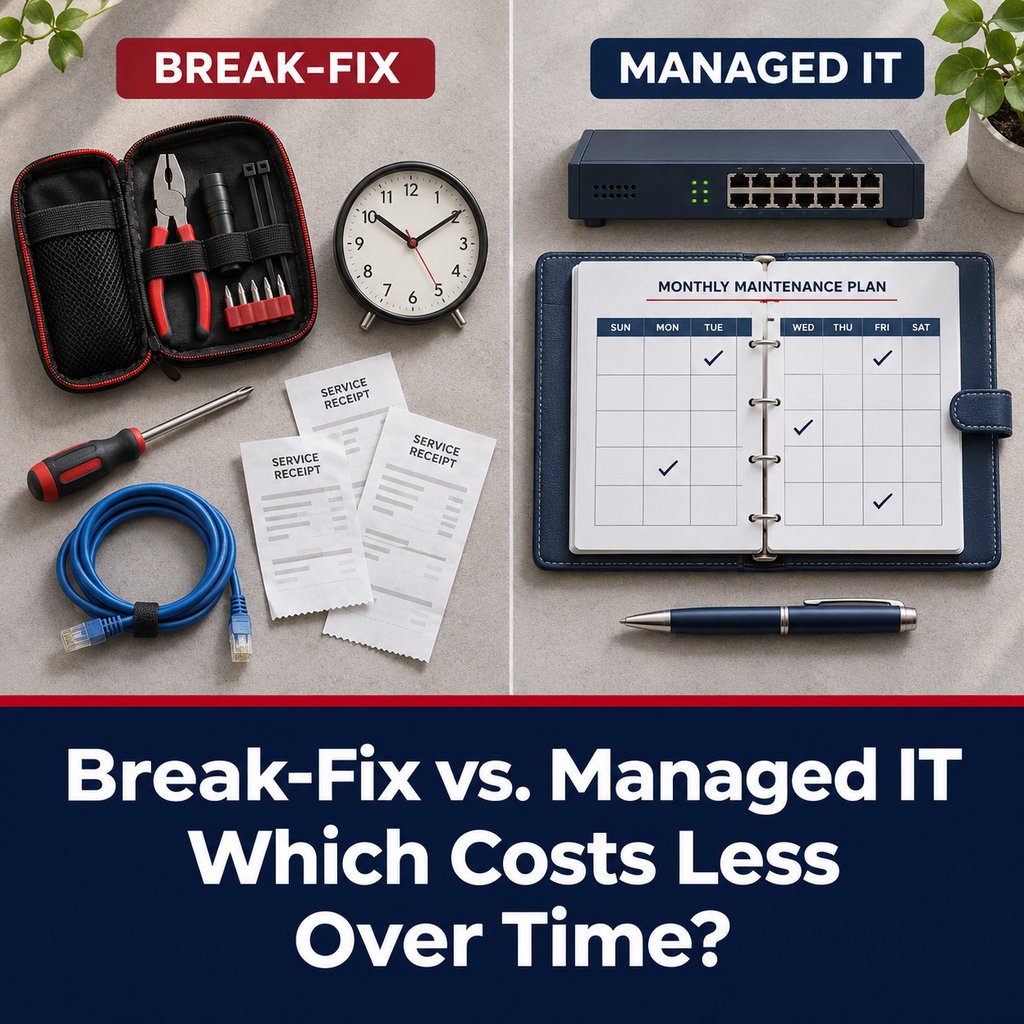
Every law firm that has outgrown a go-to computer person eventually faces the same question: keep paying hourly when something breaks, or move to a flat monthly arrangement where someone looks after the whole environment? Break-fix usually looks cheaper on paper. Often it is not, and the difference shows up in places that rarely appear on an IT invoice.
This post lays out how each model works, where the hidden costs sit, and a simple way for a managing partner or office administrator to compare them using the firm's own numbers.
How each model works
Under break-fix, you call a provider when something stops working and pay for the time it takes to fix it. There is no commitment and no monthly fee. You pay only for repairs.
Under managed IT, you pay a flat recurring fee, and the provider takes responsibility for keeping the environment healthy and protected: monitoring, patching, backups, security tools, user support, and planning. Problems still occur, but the provider has a reason to prevent them, because fixing them does not generate additional revenue.
What break-fix cannot provide
Break-fix is not dishonest, but it is built around repairs, and most of what protects a firm today is not a repair. It is a set of safety nets that have to run every hour of every day:
- Email filtering that catches malicious attachments and links before an attorney clicks them.
- Firewall and web filtering that blocks look-alike websites built to steal passwords.
- Monitoring of Microsoft 365 email accounts for suspicious sign-ins and signs of compromise.
- Backup monitoring, so a failed backup is noticed the day it fails, not the day you need it.
- Endpoint protection and patching that is watched and maintained, not just installed once.
None of these can be bought by the hour after something goes wrong. They exist only in a managed, proactive arrangement where someone is responsible for them continuously. Under break-fix, the firm's first warning is usually the incident itself.
Where the costs hide in break-fix
- Unpredictable bills. A quiet quarter is followed by a bad one, which makes budgeting guesswork.
- Billable-hour downtime. Every hour an attorney cannot work is lost billable time that never shows up on an IT invoice.
- Deferred maintenance. Without a scheduled owner, updates and replacements slip until something fails at the worst moment.
- Unprotected exposure. Without the safety nets above, a single bad email or fake login page can become a breach, a wire-fraud loss, or a call to your cyber insurer.
- Missing documentation. If only one person knows how things are set up, you carry key-person risk without realizing it.
Where managed IT can cost more than expected
Managed IT is not automatically the better deal either. The flat fee is only as good as its scope. Project work, after-hours support, hardware replacement, on-site visits, and security tools are common places where extra charges appear. We covered contract red flags in an earlier post, but the principle is simple: a low monthly number with a long exclusions list is not a low number.
Ask any provider to show you how their quote maps to your actual users, devices, and security needs, and which of the protections listed above are included.
How to compare them using your own numbers
Gather three things from the last twelve months and add them together for the break-fix side:
- Everything you paid for IT support, including emergency calls, projects, and hardware bought in a panic.
- Estimated hours of downtime across the firm, multiplied by the billing rate of the people affected. Be conservative, but do not leave it out.
- Any incident that required real cleanup, such as a phishing compromise, a lost file, or a failed backup restore.
Then ask a managed provider for a written quote scoped to the same environment, with the inclusions spelled out. Keep in mind that the two totals are not buying the same thing: the break-fix figure paid for repairs, while the managed figure includes the protection that keeps many of those repairs, and the riskier incidents, from happening at all. If the numbers are even close, the managed model wins on predictability and risk.
When break-fix might still make sense
A solo practice with few devices and everything in the cloud can get by on break-fix for repairs. Even then, the firm is operating without email filtering, account monitoring, or backup oversight unless it pays someone to provide them on an ongoing basis, which is managed service by another name. And the calculation changes completely once the firm holds client files in a server or cloud tenant, has several people who cannot work when it is down, or faces a cyber insurance application asking about controls it cannot prove.
Ask how problems actually get fixed
Whichever model you choose, ask how the provider handles problems that cannot be fixed remotely. Most issues are resolved without a visit, but roughly 15 percent need someone physically on site: a failed switch, a dead workstation, a cabling fault. A remote-first provider can serve a firm well, as long as a technician is realistically close enough to arrive when it matters. That is why we work with firms within about an hour's drive of our technicians in Midland/Odessa, Abilene, Brownwood, and Waco.
Frequently Asked Questions
Is managed IT always more expensive than break-fix?
Not necessarily. A single quiet year can make break-fix look cheaper, but one compromised email account or extended outage can erase that. The better comparison is total cost over time, including lost billable hours and incident cleanup.
Can we mix the two models?
Some firms start with a managed arrangement covering monitoring, backups, and security, and handle larger projects separately. What matters is that someone is clearly responsible for protecting the baseline every day.
What should a managed IT agreement include for a law firm?
At minimum: email and web filtering, email account monitoring, monitored and tested backups, endpoint protection and patching, user support, and clear terms for after-hours and on-site work. Ask for the inclusions and exclusions in writing.
How do we measure downtime if we have never tracked it?
Start by asking staff to note when systems prevent them from working and for how long. Even a few weeks of rough tracking gives you a realistic estimate.
How long does it take to switch from break-fix to managed?
It depends on the size and condition of the environment. A responsible provider will begin with an assessment and a documented plan before taking over, rather than promising a quick overnight change.
Next Step
If you want a second set of eyes on how your current IT arrangement compares with a flat-rate model, we are glad to talk it through. We offer a 15-minute call to see if we're a fit. No pitch, no obligation.
Managing partners and office administrators can reach us at 325-643-8184 or through the contact form at apollocomputers.com.