
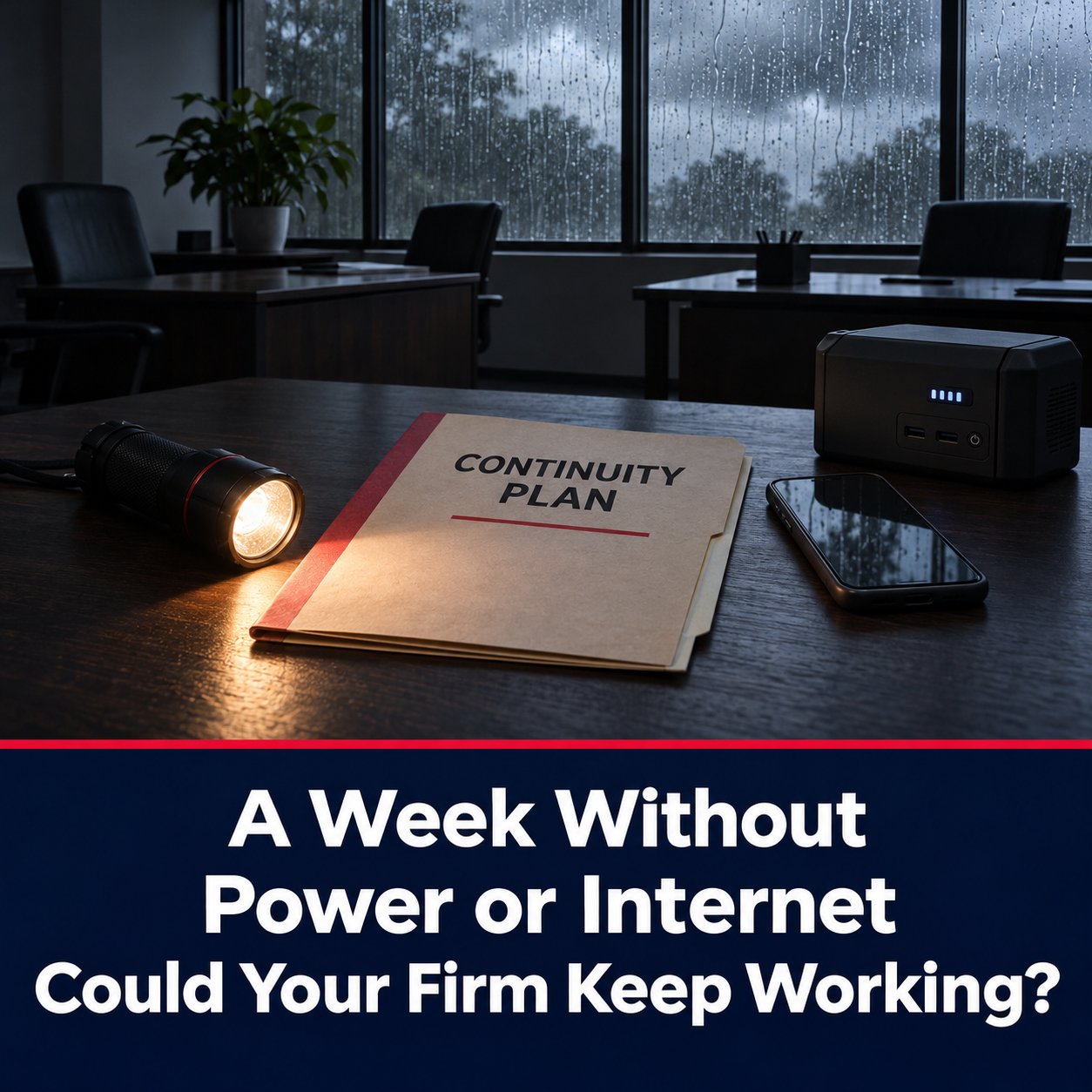
Most law firms have thought about a bad afternoon without internet. Far fewer have thought about a bad week. A winter storm takes out the grid, a contractor cuts a fiber line, or a building has a problem that keeps everyone out. Court deadlines, client calls, and payroll do not pause while the problem gets fixed.
This post walks through what actually stops when a firm loses power or internet for several days, what a sensible continuity setup looks like, and the questions a managing partner or office administrator should be able to answer before it happens.
Power and internet are two different problems
When people say "the office is down," they usually mean one of three things: the building has no power, the building has power but no internet, or the building is unusable for some other reason. Each calls for a different response, and a plan that only covers one leaves a gap.
Losing internet with power still on is the most common version. Staff can see their screens but cannot reach email, the document management system, e-filing portals, or the phones if they run over the internet. Losing power takes out the network equipment and servers along with everything else, so even a working internet line does not help.
What stops first, and what stops the firm
In the first hour, the inconvenience is mostly phones and email. By the second day, the real exposure shows up: you cannot reach client files, you cannot bill, and a deadline is still on the calendar. Courts and opposing counsel generally do not adjust because your office is dark.
The useful exercise is to list the five or six things your firm cannot go a day without, and then trace what each one depends on. For most firms that list includes:
- Access to client files and the document management system
- Email and calendar, including deadline reminders
- Phones and the main office number, including voicemail
- E-filing and court portal access
- Timekeeping and billing, and access to trust accounting records
If any item on that list lives only in the office, on one server or one internet line, that is where the plan needs to start.
Layer one: an internet connection that does not depend on one line
Two internet lines are not necessarily redundant. If both arrive on the same pole or in the same conduit, one backhoe takes out both. Real redundancy means different mediums, for example fiber paired with a fixed wireless or cellular-based connection, so that a failure in one path does not touch the other.
Redundancy also has to be monitored. A backup line that silently failed six months ago does you no good. At Apollo Computers, we have run redundant, multi-medium internet with monitored failover for client firms since 2008, because we learned early that a failover nobody watches is just an assumption.
Layer two: power for the equipment that matters
A battery backup on the network equipment and servers buys time to shut systems down cleanly and avoid corrupted data, and it can keep the network alive through short outages. For longer ones, a generator or a plan to relocate is the real answer. We are candid with clients about this part: IT can protect your data and keep your systems reachable, but nobody in IT can restore power to a building. The plan has to include what happens when the office itself is not an option.
Layer three: your data lives somewhere other than the closet
If the office is unusable for a week, the question becomes whether your data is somewhere else and whether it can be restored. Backups that sit in the same building as the server are only protection against a failed drive, not against a building problem.
The standard we hold our clients to is hourly imaged backups that are stored off-site and are actually test-restored on a schedule. A backup that has never been restored is a hope, not a backup. Knowing in advance how long a restore takes, and where those files would be restored to, is part of the plan.
Layer four: people who can work from somewhere else
The last layer is the one firms forget. If the office is dark, can attorneys and staff work from home or another location the next morning? That depends on a few things being in place before the outage: laptops or secured home access, a way to reach firm systems securely, phones that forward to cell phones or a softphone, and multi-factor authentication that does not rely on a device left sitting in the office.
A written, one-page continuity plan ties it together. It should name who makes the call to go remote, who contacts the internet carrier and the IT provider, how clients and the court are notified if needed, and where the plan itself is stored so it is reachable when the office is not. Test it once a year by actually working remotely for a day.
Questions to ask your IT provider
- If our main internet line fails, what happens, and how would we know?
- Are our internet connections on different mediums, or do they share a path?
- Where are our backups stored, how often are they taken, and when were they last test-restored?
- If the office is unusable tomorrow, what can staff access from home, and what can they not reach?
- Who do we call first, and is that written down somewhere that is not in the office?
Frequently Asked Questions
How long should a law firm plan to operate without its office?
There is no universal number. A useful approach is to plan in tiers: a few hours, a couple of days, and a full week. Each tier has a different answer for phones, file access, and where people physically work.
Is cloud storage enough to keep a firm running during an outage?
It helps a great deal, because files stay reachable from anywhere. But the firm still needs working internet at whatever location people are using, secure access for staff, and a way to handle phones. Cloud storage solves one layer of the problem, not all four.
Do we need a generator?
That depends on how long you need the office itself to operate and on the building. For many firms, the better answer is making sure staff can work remotely, with backup power reserved for network equipment and servers. It is worth discussing with your building manager as well.
How do we know our backup internet connection will actually work?
Ask for proof. Failover should be monitored, and it should be tested periodically by deliberately taking the primary connection down at a planned time. If nobody has ever done that, you do not yet know.
What if our IT provider cannot get to the office during the outage?
Most problems can be handled remotely, which is part of why remote-first planning matters. Some issues still need someone on site, so ask your provider how they dispatch technicians and what they can do when the office itself is inaccessible.
Next Step
If you are not sure how your firm would function through a multi-day outage, that is a useful conversation to have before one happens. We offer a 15-minute call to see if we're a fit. No pitch, no obligation.
Managing partners and office administrators can reach us at 325-643-8184 or through the contact form at apollocomputers.com.